Client installation
-
Switch to root:
su - -
Create a new source list file for the NextCloud Linux client:
vim /etc/apt/sources.list.d/nextcloud-client.list -
Populate the file with:
+ deb http://ppa.launchpad.net/nextcloud-devs/client/ubuntu zesty main
+ deb-src http://ppa.launchpad.net/nextcloud-devs/client/ubuntu zesty main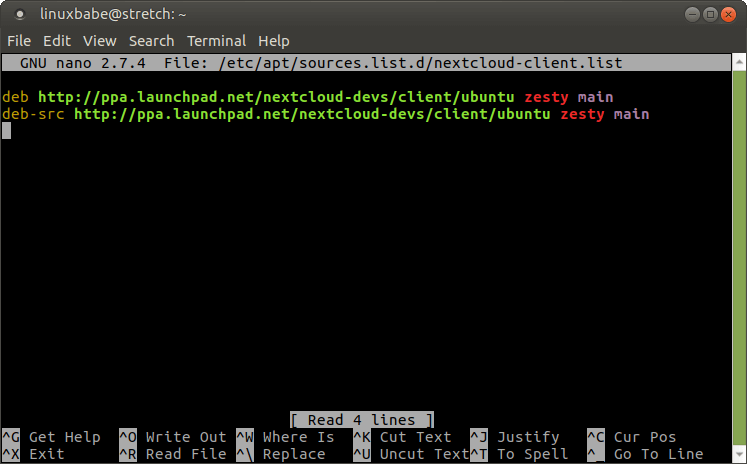
Choose the appropriate Ubuntu repo corresponding to the right Debian version:
zestycorresponds to Debian 9.x (Stretch)bioniccorrsponds to Debian 10.x (Buster)
-
Install dirmngr to be able to access key servers (if not installed already):
apt install dirmngr -
Do key related stuff (probably importing it from the cloud to the local key ring):
apt-key adv --recv-key --keyserver keyserver.ubuntu.com AD3DD469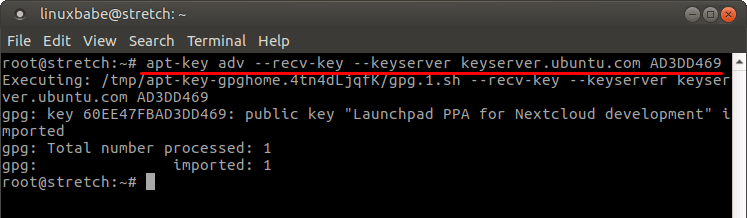
-
Update the apt cache with the newly added repo data and install the nextcloud client:
apt update && apt install nextcloud-client -
Once installed the nextcloud client can be started either from the application menu or from the terminal as a standard user:
nextcloud
Adapted from: Linux babe